
Doug MedicAR
-
Posts
282 -
Joined
-
Last visited
-
Days Won
9
Doug MedicAR's Achievements





-
The Comic Book Killer by Richard Lupoff belongs in books rather than comics. It is a prose book that was slipcased with an ashcan sized mini color comic entitled "Gangsters at War" #27 which is a part of the story in the book. "Gangsters at War" #27 is also at the end of the book in black and white but it is 19 pages at the end of 270 pages of prose.
-
Got it. That's the kind of thing I used to catch quick. Thank you!
-
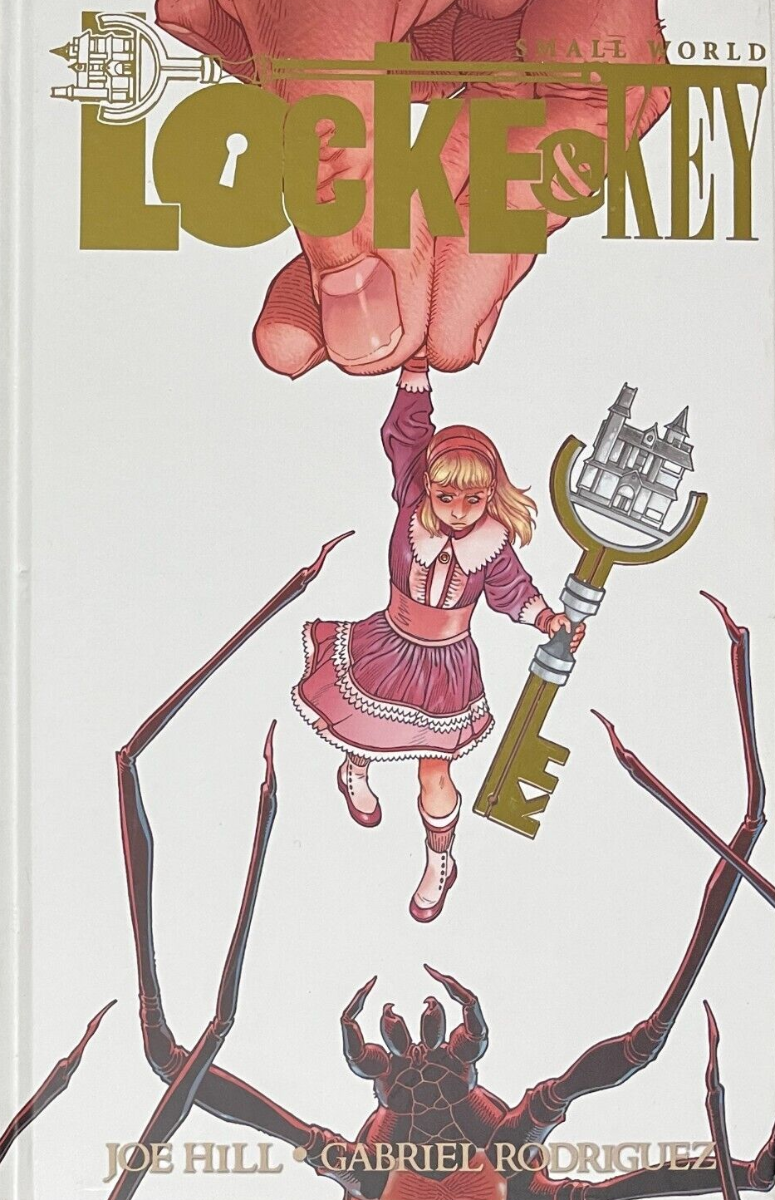
I'm sorry to dredge up a topic this old. I know this has happened again since the original thread but I haven't been able to locate it. I am unable to change the pic on Locke & Key: Small World #1-HC-4 with the same problem originally outlined in this thread occurring again. The correct pic is below. I know it is the fourth print because it is clearly labeled as such in the indicia.

-
The indicia reads "Megalith NYCC 100 Edition." In my original post, I apparently deleted or failed to enter an important tidbit. Each issue of the 100 copies has a different cover. Supposedly, no two covers are the same and the covers are printed, not sketched or stamped. It is a true preview of the potential book in that it has lots of beautiful artwork, apparently completed pages with the exception being that there is no text at all with the aside from the indicia and the credits inside the back cover.
-
I was a fan of the gold second prints at the time and don't recall ever seeing one bagged for any Marvel title.
-
I am not finding the new "Megalith" series from Bad Idea and am not sure how to enter it. Let me give the history here. I wouldn't give these clowns the time of day except for one thing, Matt Kindt has done a fair amount of work for them and while I'm a huge fan of Matt, I absolutely hate this publisher. First, comic stores had to be found worthy and anointed to sell Bad Idea books, there wasn't a store within 200 miles of me. Then those same sellers had to agree not to sell more than a single copy of any book to any particular customer. Then the secret squirrel stuff started with all sorts of variants, convention specials, and incentives that many collectors only found out about after the fact. Next, the publisher failed (who didn't see that coming?) and closed its doors. Except maybe they didn't fail and it was just a marketing gimmick, I am still not sure. They put a book or two on Kickstarter because they were supposedly broke and had no other way to do it. The Kickstarter books still haven't seen the light of day but at NYCC 2024 they put out a preview of "Megalith" which was one of those books. Once again, there's a catch. They only made 100 copies. I have seen maybe a dozen so far and have one. So is it better to add a single issue with a sample cover or to start adding a new one every time I find a different one?
-
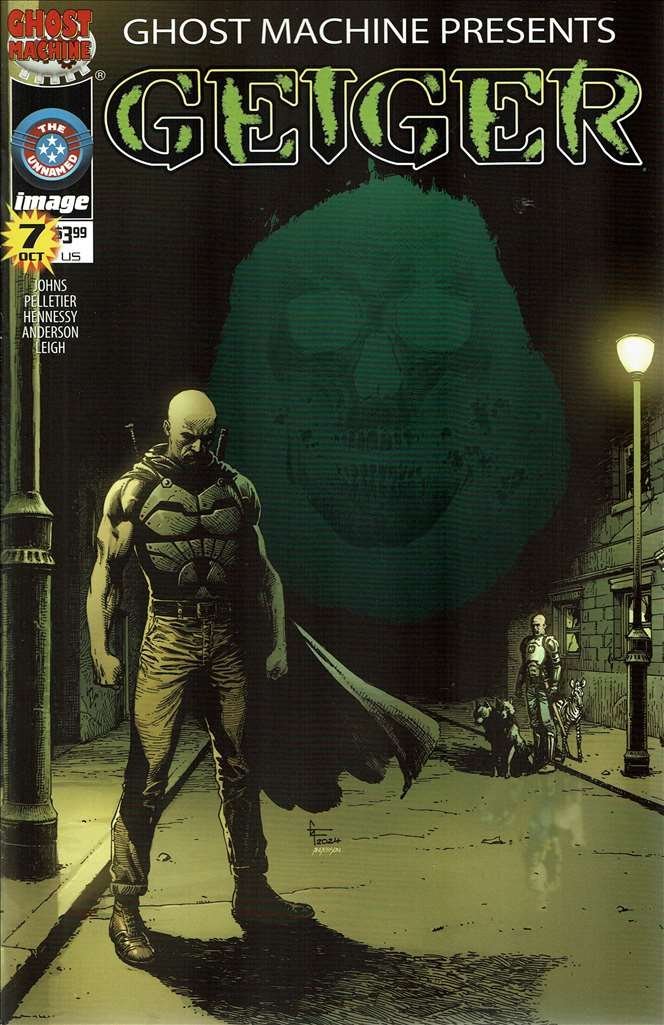
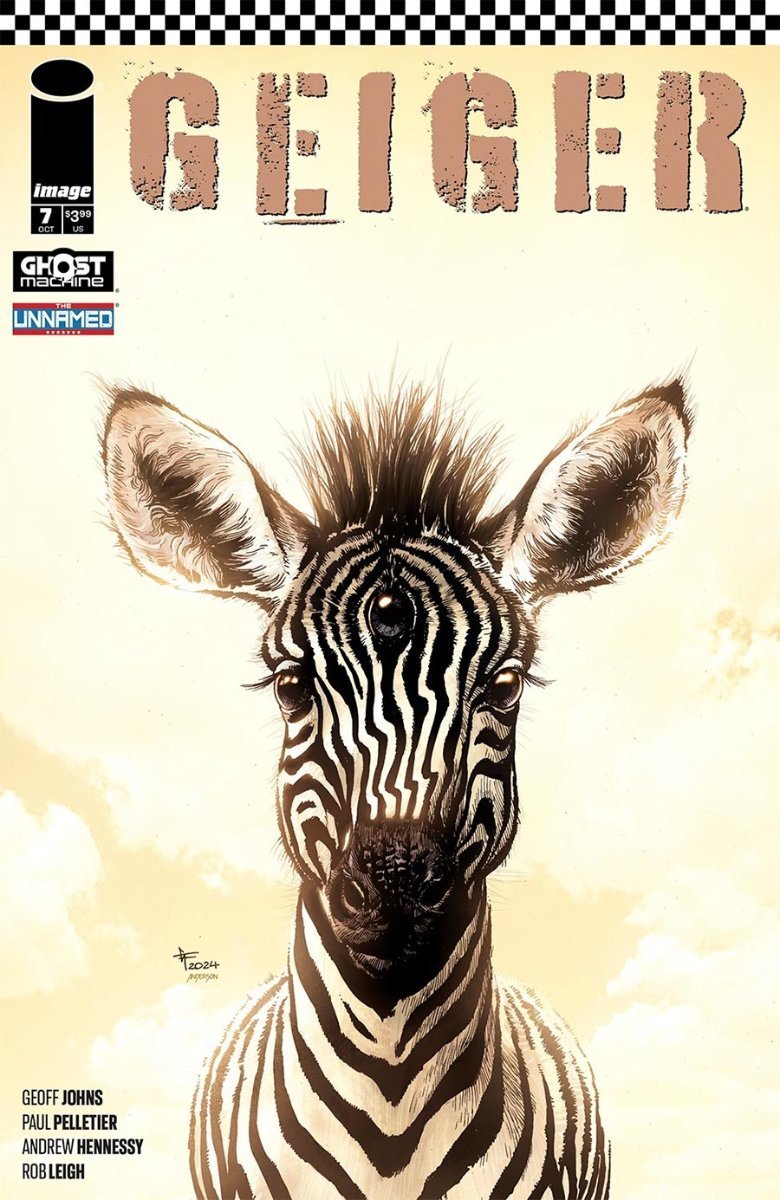
Geiger (2nd Series) #7-A has the wrong cover image. The image there is the "surprise" variant pictured below. The correct cover is a three eyed zebra with an off-white background as seen below: The confusion likely arose from the fact that both of these covers are by the same artists, Gary Frank and Brad Anderson AND the back of both are labeled "Cover A: Gary Frank" with the same UPC. While the dark cover is technically Cover D, I am thinking the easy answer is to add the zebra cover as simply "#7" and have submitted a correction as such.
-
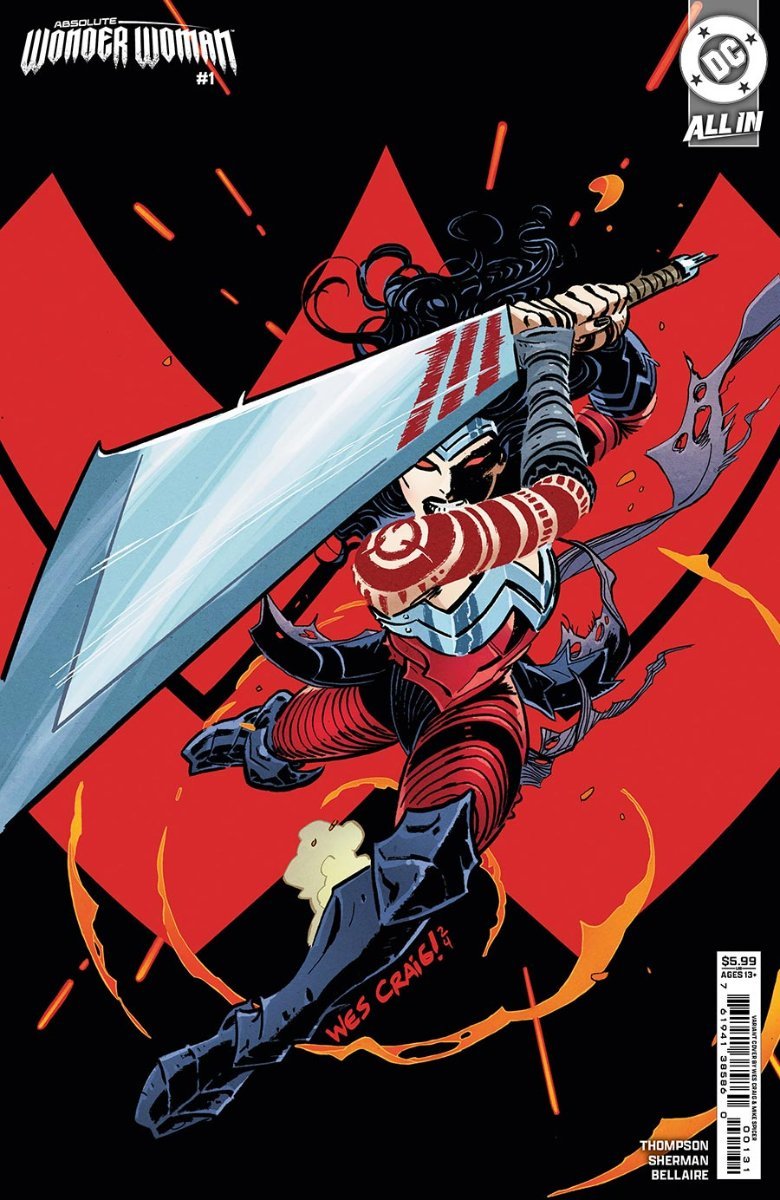
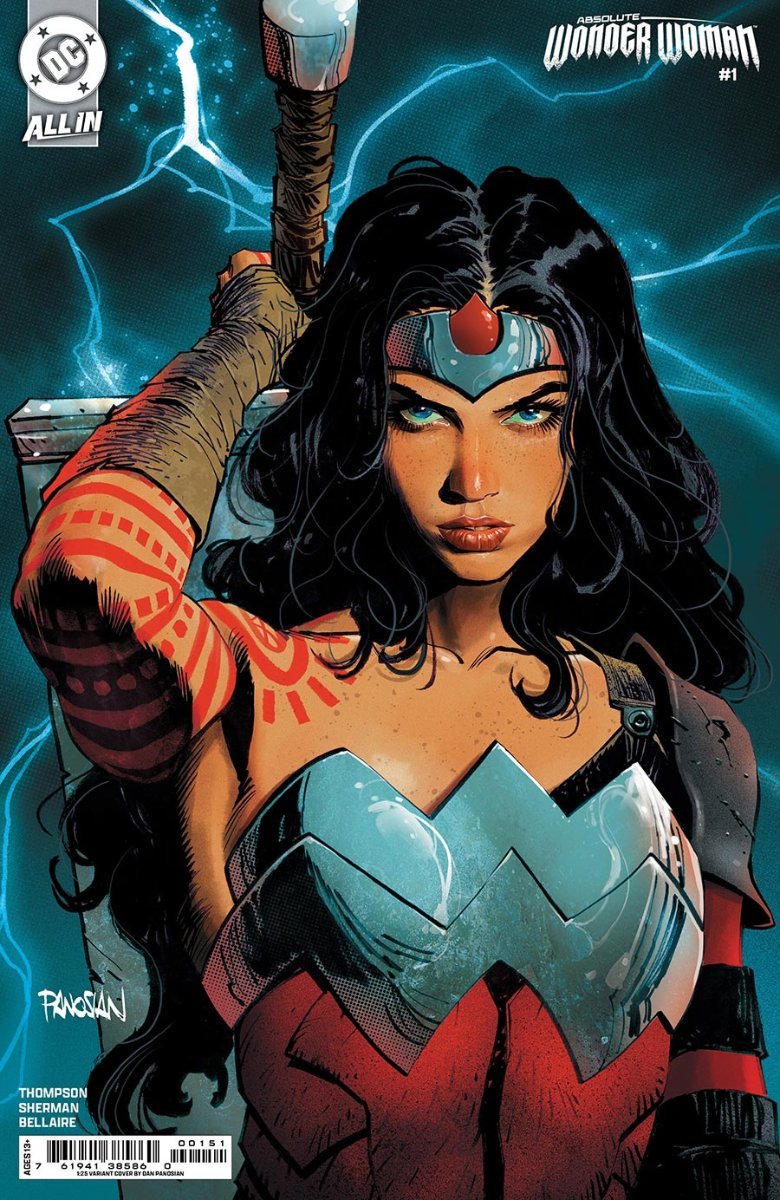
Absolute Wonder Woman has some covers listed with the images from other issues. #1-B used the image from #1-C and should have this: #1-F used #1-D's cover. It should be this: Additionally, there are at least four #1 second prints variants which I uploaded as well.
-
On BRZRKR: DLX-1/B has a cover price of $100 listed. While there is no actual cover price, BOOM! Studios store lists it for $499.99 and eBay prices hover around this price. There was mass confusion on this book because it was originally listed as $99.99 and it took BOOM! a month or two to realize there had been an error. DLX-1/B is signed by Keanu Reeves, Matt Kindt, and Ron Garney and that first signature is what gets it a significantly higher price. The Kickstarter softcover editions (Bk 1-A, Bk 2-A, and Bk 3-A) are listed as a cover price of $16.99 but while they had no actual cover price, they were solicited as a set of three for $75. I changed the cover prices on these to $25 each even though there was no actual cover price. The Kickstarter hardcovers (Bk 1-B, Bk 2-B, and Bk 3-B) also had no actual cover price but the Kickstarter solicitation was for all three for $125. They were not in CB so I added them with cover prices of $41.66. There are also mass market hardbacks that were not in CB. I added those as Bk 1-C, Bk 2-C, and Bk 3-C. They have no cover prices (what's up with that BOOM!?) and I haven't found prices there were solicited at. Does anyone have any more info on these? I think this is all of the books. The Kickstarter campaign listed a few more options but they were really differing slipcases with the same hardcovers inside. They were Blood Red, Bronze Age, Gunmetal, and Platinum Immortal but again, no different books, just different boxes and some limited edition prints.
-
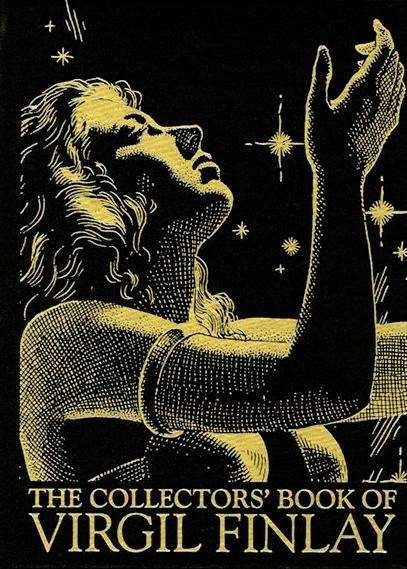
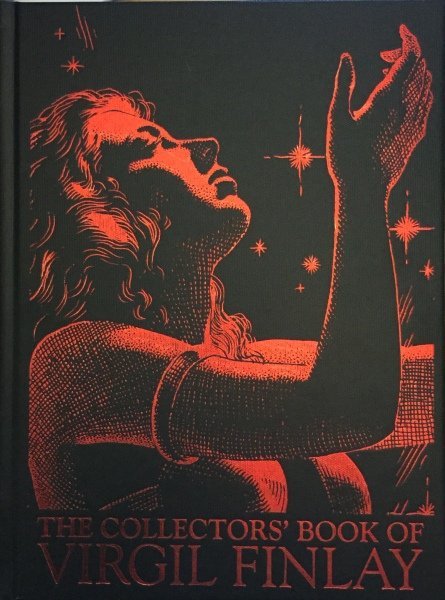
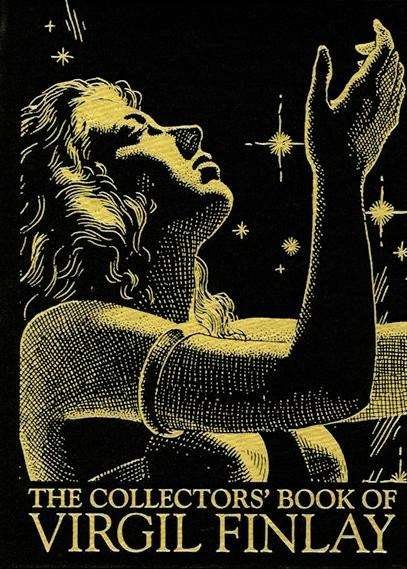
I think I made a mistake with the covers when I originally submitted information on "The Collectors' Book of Virgil Finlay." As it is, the red cover is listed as HC-C when it sho uld be HC-B. The gold covers at HC-A and HC-C. The correct versions are below. HC-A HC-B HC-C
-
 Oooops.... sorry
 -
Or... we could ignore the indicia and publisher and add a new title completely.
-
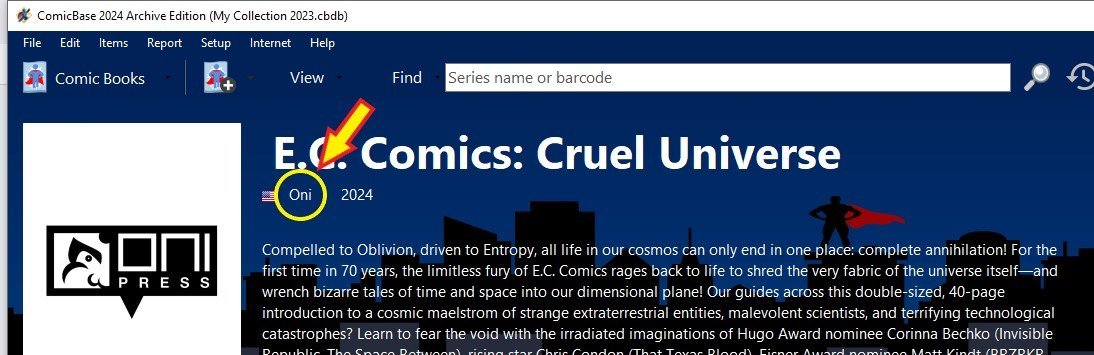
EC Comics is back (sort of) with two entirely new titles being published by Oni Press. It looks like there was some confusion as to the titles. There is "Epitaphs from the Abyss" and "E.C. Comics: Epitaphs from the Abyss." The indicia reads "Epitaphs from the Abyss" and the publisher is Oni-Lion Forge Publishing Group. The "E.C. Comics Epitaphs..." entry in CB has just Oni as the publisher. I get the impression that the current and correct entry is the title without the "E.C. Comics" at the beginning because it has no pictures in its file and the other title has a couple. The other new title is "Cruel Universe" which is in CB as "E.C. Comics: Cruel Universe" with Oni as the publisher. The indicia reads "Cruel Universe" with Oni-Lion Forge Publishing Group as the publisher. My recommendation is to make the entry for "Cruel Universe" the same as "Epitaphs from the Abyss," dropping the "E.C. Comics" from the title and adding Oni-Lion Forge as the publisher.
-
Thank you!
-
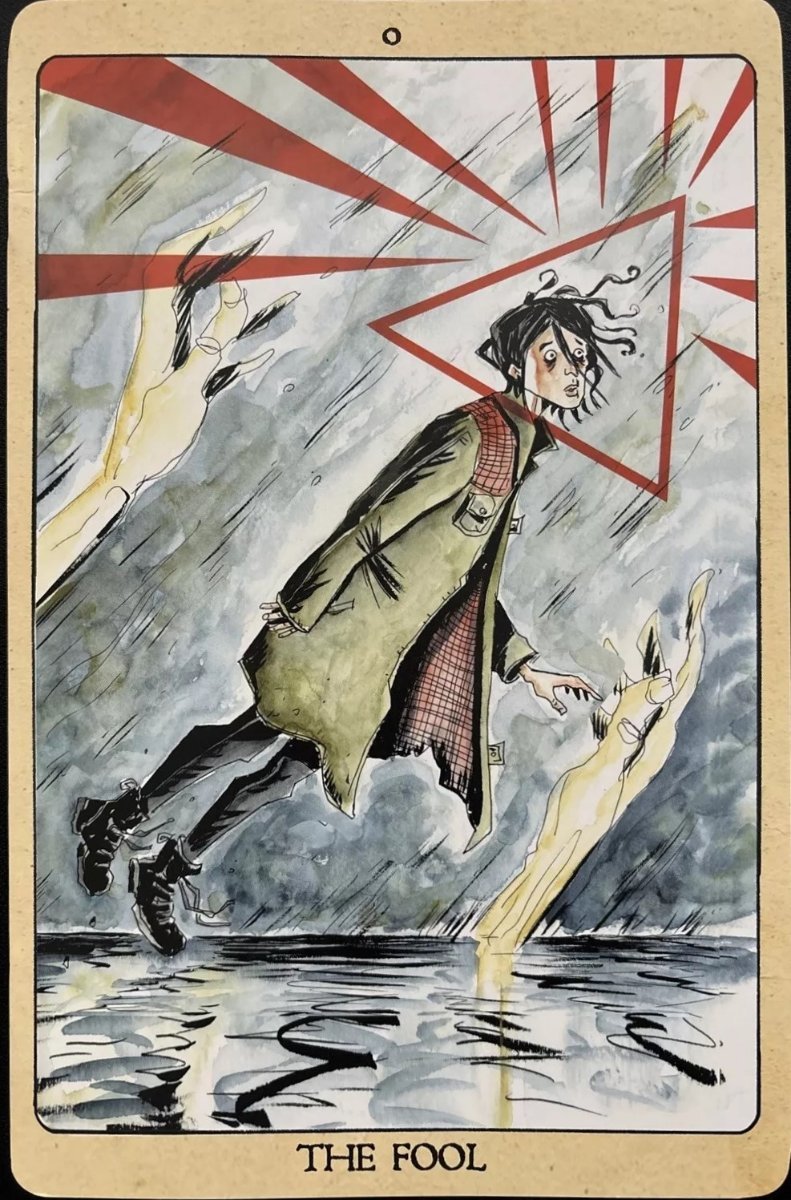
The current pic for Minor Arcana CP 1/A is a signed copy. I tried to upload an unsigned version but my pic is smaller. The plain version is below.